Physical Address
17033 Neubrandenburg
Germany
Physical Address
17033 Neubrandenburg
Germany

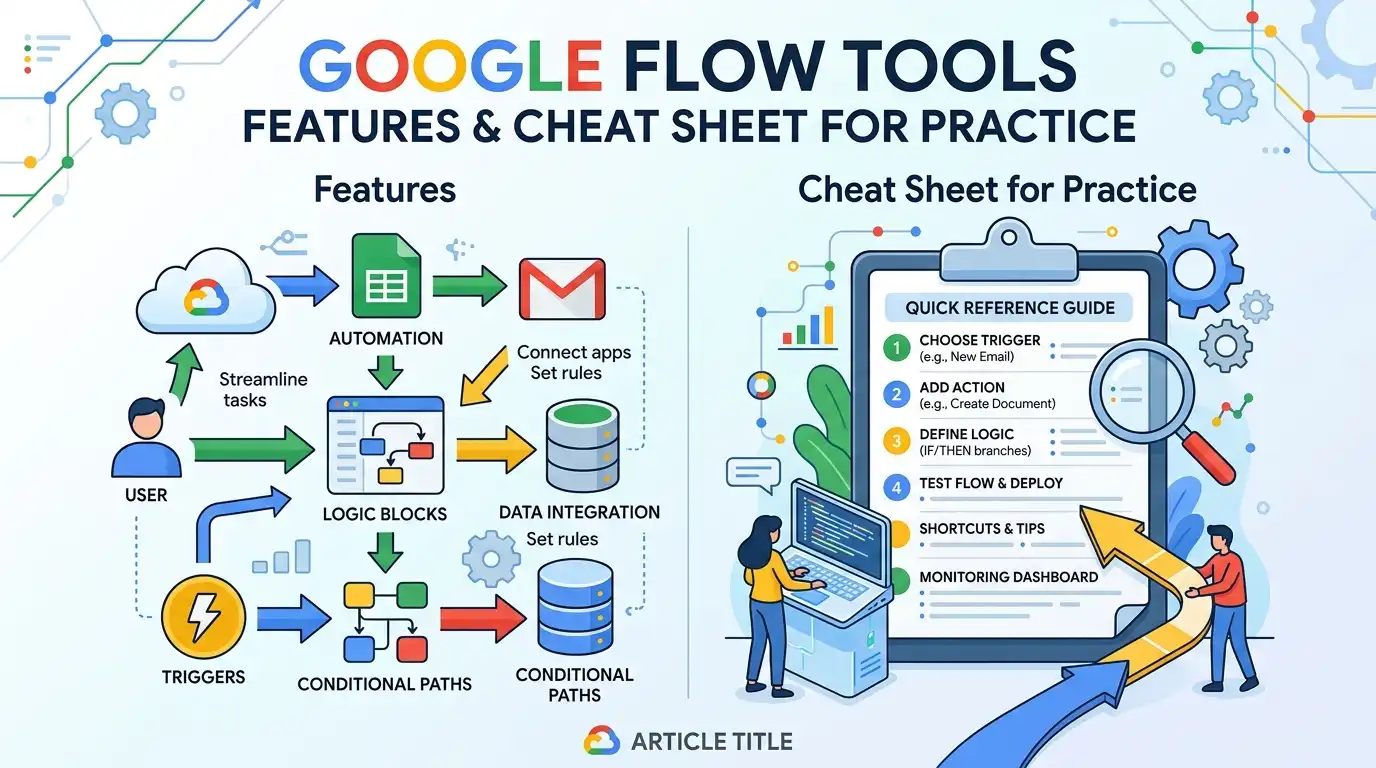
Google Flow is an experimental platform for AI-powered creative tools that helps designers and content creators develop images, videos, and prompt workflows faster and more accurately. The tools cover the entire creative process—from initial sketches and video editing to systematic prompt development. This cheat sheet provides a structured overview of all available features, grouped by application, with practical tips for everyday use in production.
Google Flow is divided into four clearly defined categories, each addressing a specific area of the creative workflow. The tools are designed as experimental features – they are constantly evolving and often deliver unexpected, creative results. Understanding the categories allows you to select the right tool for each phase of a project.
The first category, Picture, comprises eight tools for all aspects of visual image production – from the initial sketch and masking to the final image composition. The second category, video, offers ten tools that cover the entire video production workflow: from visual effects and typography overlays to automated output formatting. The third category, Prompt creation, contains five tools that help develop structured and precise input prompts for AI models – a crucial factor for consistent and high-quality results. The fourth category, Experimental functions, includes eleven advanced tools that open up new creative possibilities, including 3D visualization, depth manipulation and experimental video effects such as data moshing.
8 tools for image production, masking, composition, and visual exploration
10 tools for effects, transitions, typography and video output
5 Tools for Structured AI Prompts and Storyboard Development
11 tools for 3D, depth, tracking and advanced visual experiments
Overall, there are 34 Tools Available – an impressive range covering the entire creative workflow from ideation to final output. The tools are designed to be quickly integrated into existing workflows and to automate repetitive tasks, freeing up more time for creative decisions.
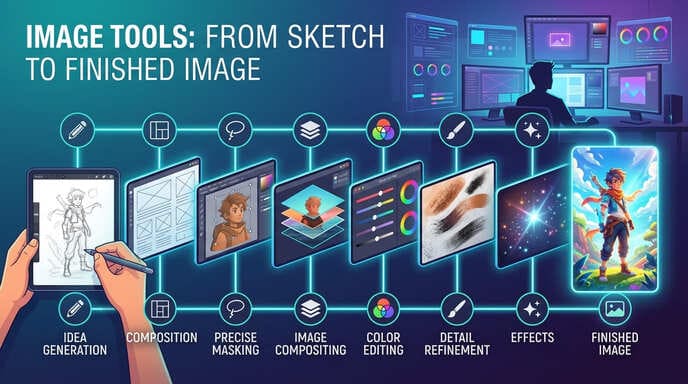
Category 1 · Image
The image category comprises eight specialized tools that cover the entire visual production process – from initial brainstorming and image composition to precise masking and final image editing. These tools are particularly valuable for designers who need to move quickly between concept and execution while achieving consistent visual results.
Category 2 · Video
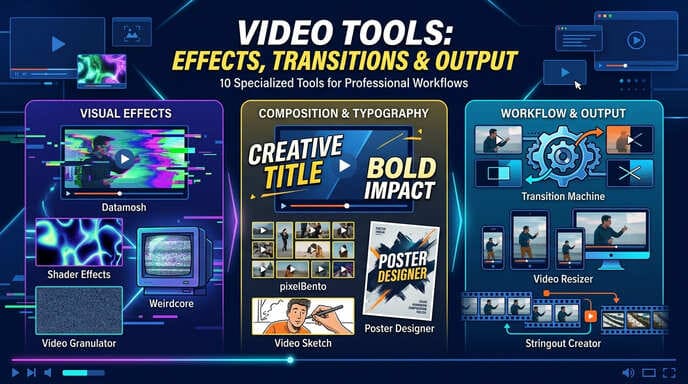
With ten specialized tools, the video category covers virtually every aspect of video production – from visual effects and typography overlays to creative transitions and automated formatting for various output channels. These tools are designed to accelerate the video workflow while expanding creative possibilities that were previously only achievable through time-consuming post-production.
The video tools can be divided into three functional groups: Visual effects (Shader Effects, Weirdcore, Video Granulator, Datamosh), Composition & Typography (Type Overlays, pixelBento, Poster Designer, Video Sketch) as well as Workflow & Output (Transition Machine, Video Resizer, Stringout Creator). This structure helps with quick orientation, depending on which phase of the video production process support is needed.
It applies complex shader-based visual effects to video footage – from glitch aesthetics to abstract color transformations. Particularly effective for music videos and experimental formats.
Generates animated typography overlays that integrate seamlessly into videos. Ideal for titles, subtitles, and motion graphics elements without manual animation.
Creates pixelated, retro-aesthetic video effects in a bento grid style. Perfect for social media content with a distinctive visual look.
Automatically generates video posters and thumbnails from video footage. Saves time creating assets for platforms like YouTube, Vimeo, or social media.
Converts video footage into sketch-like, illustrative representations. Useful for storyboard visualizations and creative stylistic breaks within a video.
Creates intelligent transitions between video scenes based on image content and movement. Reduces manual editing and ensures smooth visual narratives.
Generates surreal, dreamlike video effects in a weirdcore aesthetic style. Particularly relevant for experimental short films and artistic video works.
Automatically adapts videos to different aspect ratios (9:16, 1:1, 16:9). Essential for multi-platform content distribution without manual recomposition.
Automatically creates stringouts – coherent rough cuts from selected clips. Significantly speeds up the initial editing process.
It breaks down video footage into granular segments and reassembles them into new visual patterns. Ideal for generative video works and experimental montage techniques.
Category 3 · Prompt Creation
The quality of AI-generated content hinges on the quality of the prompts. The five tools in this category help develop structured, precise, and creative prompts—from character analysis and style definitions to complete storyboard concepts. For designers who regularly work with AI image generators, these tools are indispensable assistants in the creative process.
A common mistake in prompt creation is vagueness: imprecise descriptions lead to unpredictable results. The tools in this category address precisely this problem by helping to translate visual concepts into structured, machine-readable language. The combination of [missing information] is particularly valuable. Character X-Ray and Style WriterTogether they enable the complete definition of a visual universe – from the characters to the aesthetic framework.
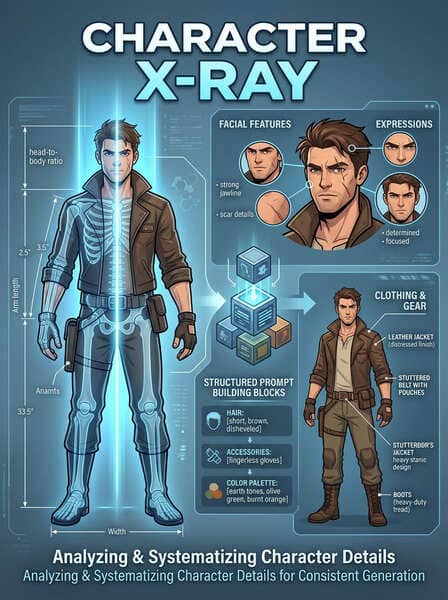
Analyzes and describes characters in all their visual details – from body proportions and clothing to facial features and expressions. It then creates structured prompt building blocks that enable consistent character generation across multiple images. Especially useful for illustration projects, comic productions, and visual storytelling projects with recurring characters.
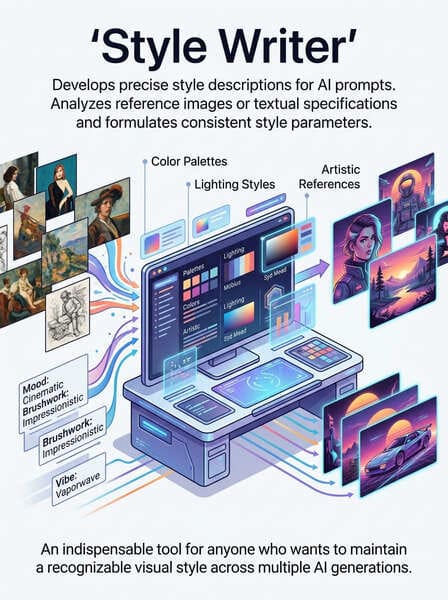
Develops precise style descriptions for AI prompts. Analyzes reference images or textual specifications and formulates consistent style parameters – from color palettes and lighting styles to artistic references. An indispensable tool for anyone who wants to maintain a recognizable visual style across multiple AI generations.
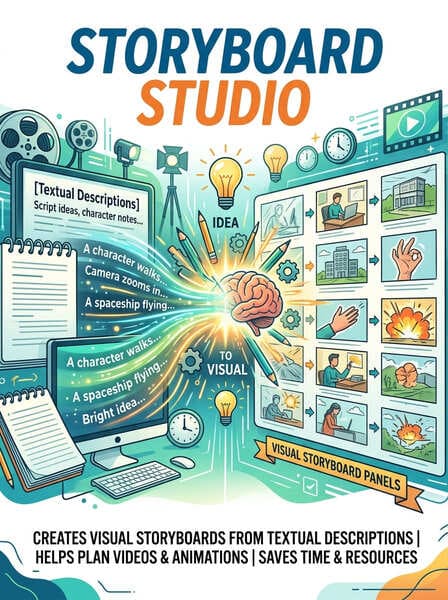
Creates visual storyboard panels directly from textual descriptions. Helps plan videos, animations, and image sequences before actual production begins. Saves time and resources, as visual decisions can be made as early as the concept phase.
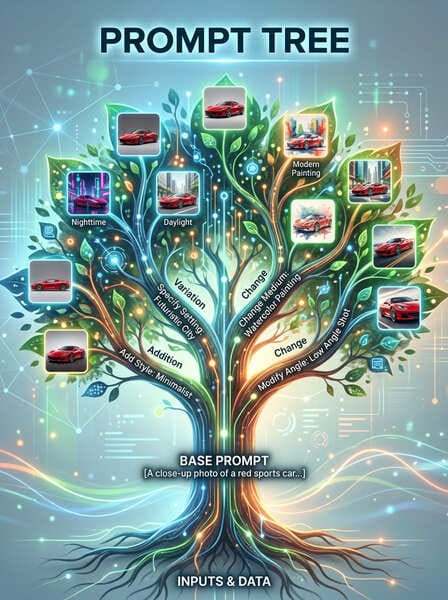
Visualizes the branching and variations of a prompt in a tree structure. Shows how small changes to the prompt affect the output. Ideal for experimenting and systematically optimizing prompts for specific use cases.
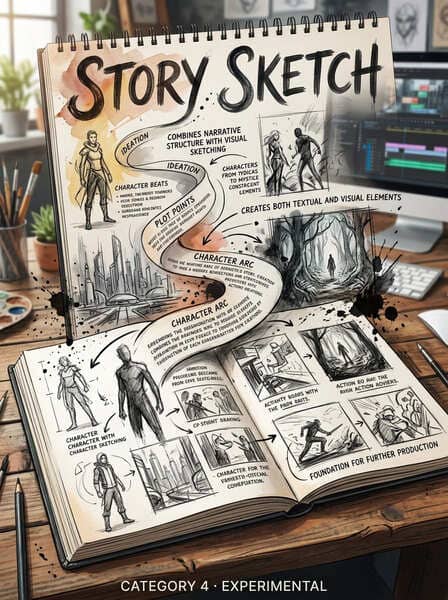
Combines narrative structure with visual sketching. Creates both textual and visual elements from a story idea, serving as the basis for further production. Particularly helpful for content creators who want to quickly move from idea to visual implementation.
Category 4 · Experimental
The experimental category is at the heart of Google Flow's commitment to innovation. With eleven tools ranging from 3D visualization and depth manipulation to experimental video effects, this category unlocks creative possibilities that were previously unavailable or only achievable with significant technical effort in traditional production workflows. These tools are labeled "experimental" because they are still under active development—their results can be surprising, sometimes unpredictable, but always inspiring.
The experimental tools can be divided into three subgroups: 3D & Spatiality (3D Model Visualizer, Scout360, 3D Face Swap, DepthWarp 4D), Video & Motion (Frame Deconstructor, Blob Tracking, Datamosh, Webcam Set) as well AI experiments (Ribbit, Whisk, Pose Text). This categorization helps with targeted selection, depending on whether spatial, temporal, or conceptual experiments are the focus.
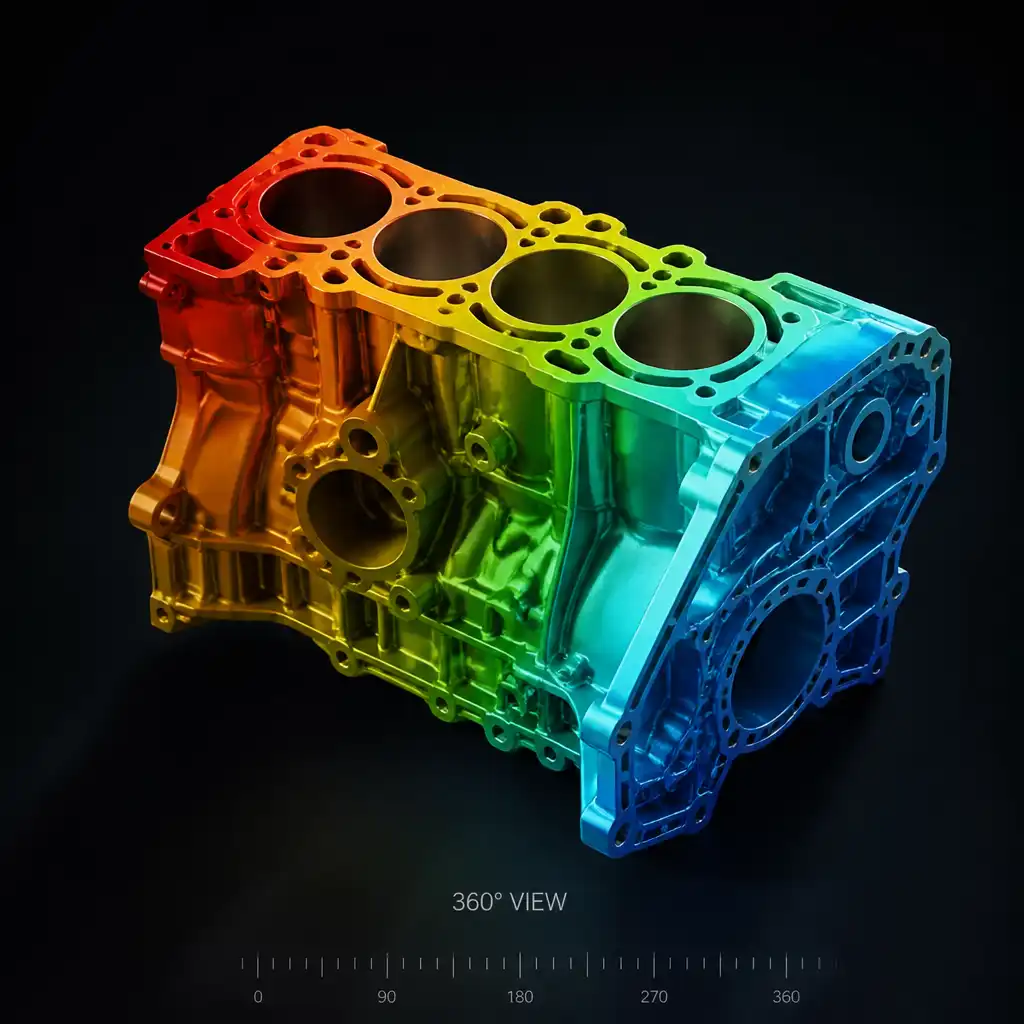
The 3D Model Visualizer renders and visualizes 3D models directly in the browser, while Scout360 360-degree views of objects and scenes are generated. Together, they enable the complete spatial exploration of concepts before actual production – particularly valuable for product design, architectural visualization, and virtual production environments.
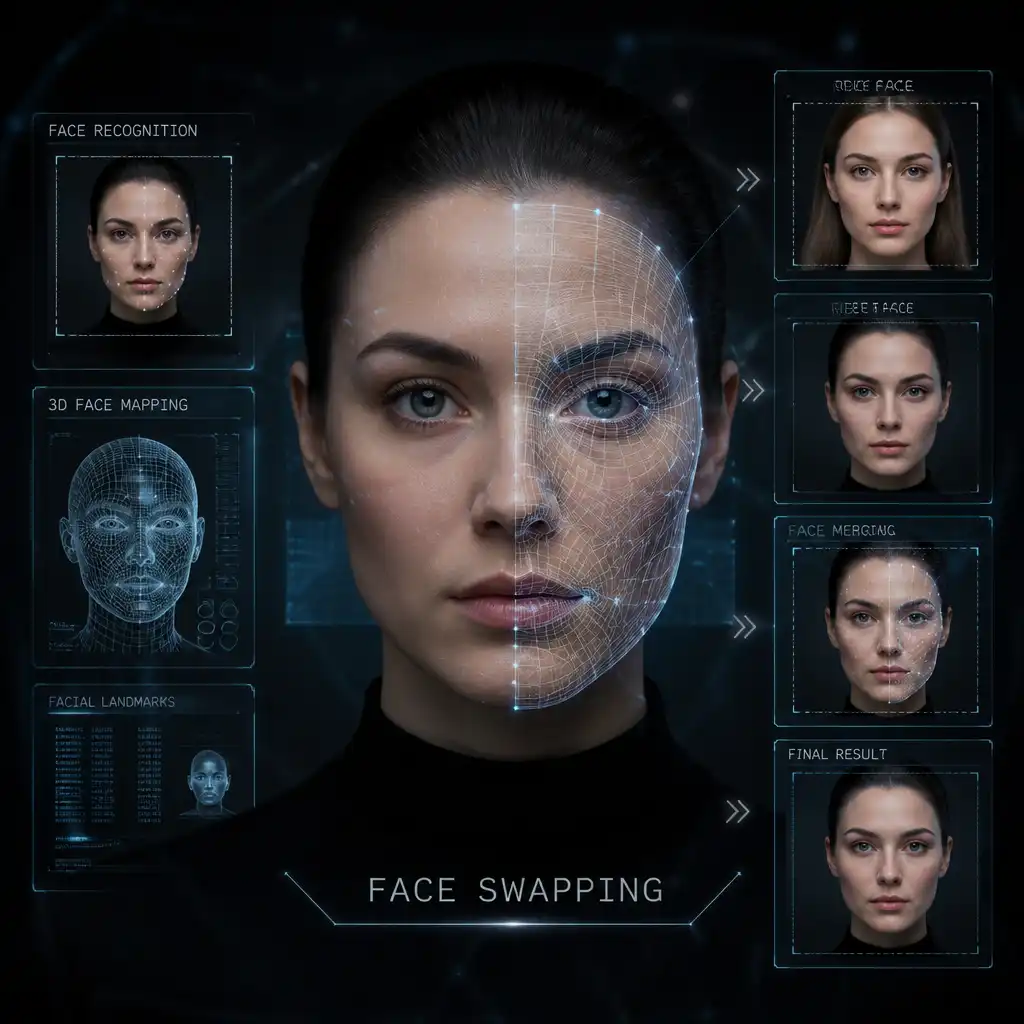
3D Face Swap Transfers faces between images, taking into account depth, lighting and perspective – much more naturally than conventional 2D face-swap tools. DepthWarp 4D It manipulates the depth information in images, creating spatial distortion effects that can be used for surrealist imagery and experimental visual works.
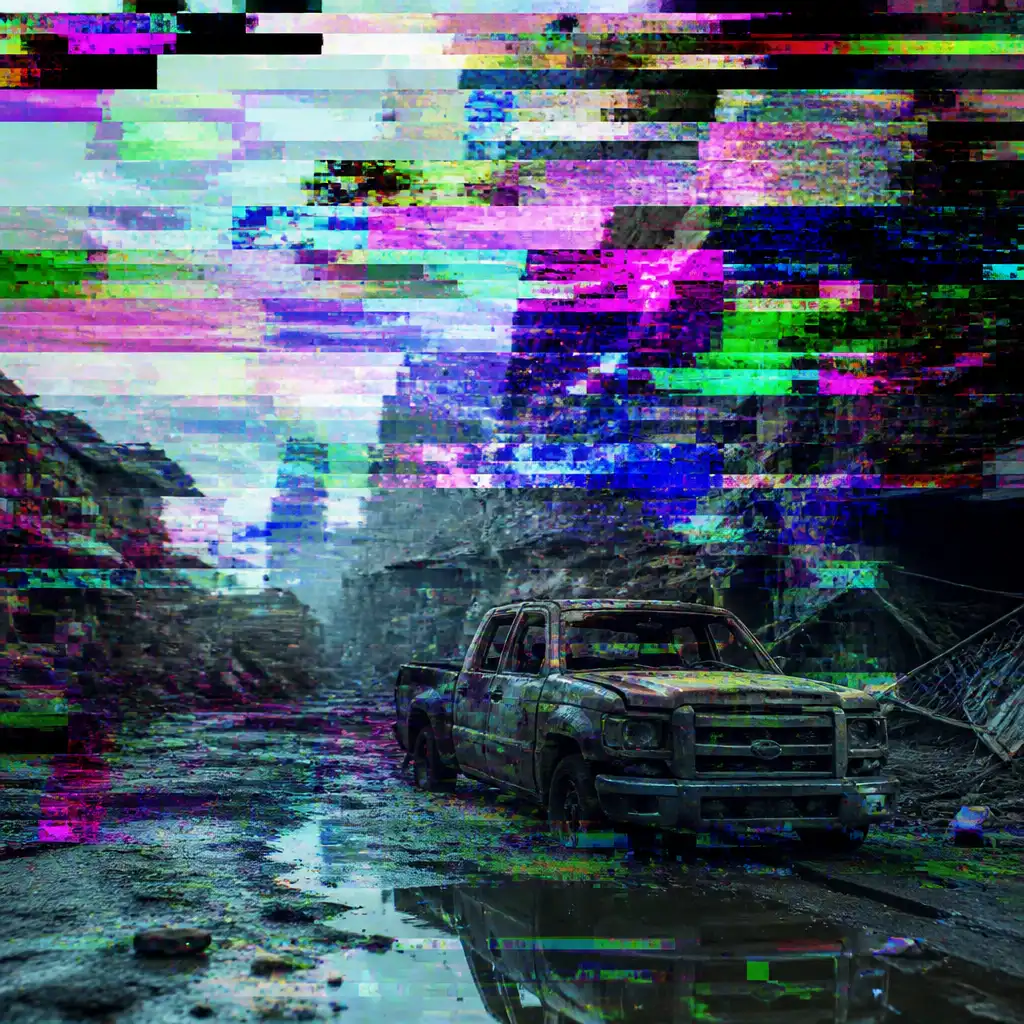
The Frame Deconstructor It breaks down video images into their individual components and enables the targeted manipulation of image structures at the frame level. Datamosh It creates the characteristic glitch effect through targeted data corruption in the video stream – an aesthetic stylistic device widely used in music videos, experimental short films and digital art.
Experimental · Continued
The second group of experimental tools focuses on motion capture, AI-powered generation, and pose-based control. These tools expand the creative repertoire to include dimensions previously reserved for specialized production studios – now accessible to individual designers and content creators.
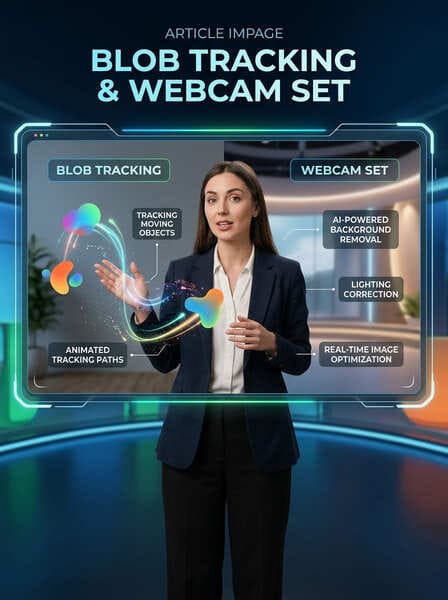
Blob Tracking It tracks moving objects and shapes in video footage and creates animated tracking paths from them. Ideal for motion graphics where elements need to be dynamically linked to moving objects. Webcam Set transforms a simple webcam into a professional recording set with AI-powered background removal, lighting correction and real-time image optimization – perfect for remote productions and live content.
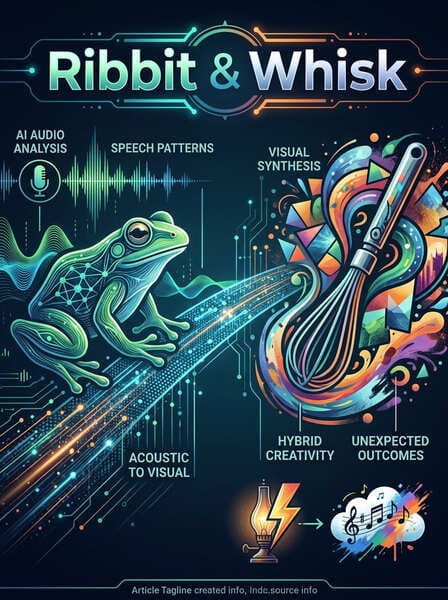
Ribbit is an experimental AI audio tool that analyzes speech patterns and translates them into visual elements – a bridge between acoustic and visual perception. Whisk It combines different visual inputs to create hybrid, unexpected results and acts as a creative catalyst for ideas that would not arise through conventional approaches.
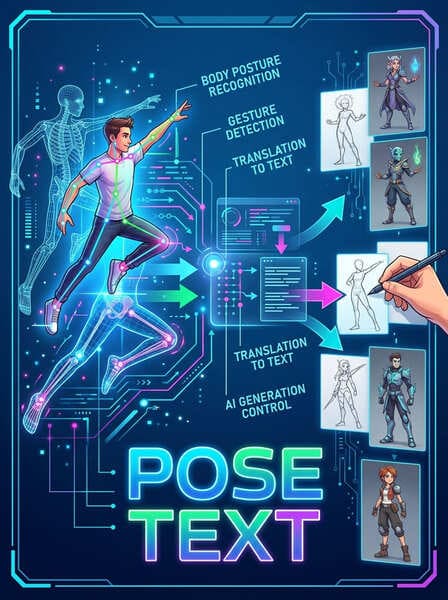
Pose Text It recognizes body postures and gestures in images or videos and translates them into textual descriptions or uses them to control AI generation. This tool opens up entirely new workflows for character animation and pose-based image generation. Designers can, for example, sketch a desired pose and derive AI-generated images directly from it.
Pose Text is particularly valuable for consistent character creation across multiple images – a common problem with AI-generated image sequences.
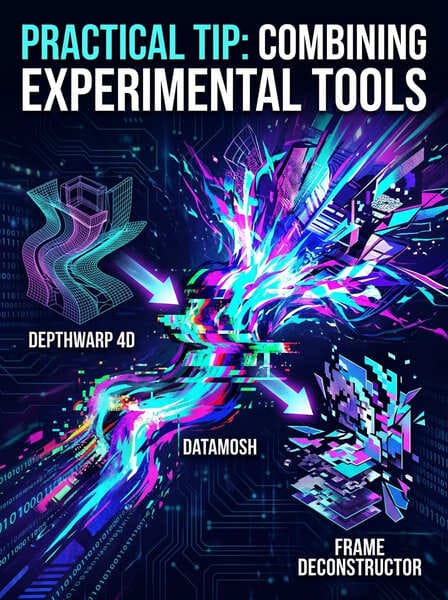
The greatest creative power is unleashed when the experimental tools are combined. One possible workflow: DepthWarp 4D for spatial distortion, Datamosh for glitch transitions and Frame Deconstructor The final image structure adjustments combine to create a unique visual style that could not be achieved with any single tool.
Not every tool is equally suitable for every use case. The following overview helps you select the right tools and establish efficient workflows based on your specific project goals. The recommendations are based on typical production requirements in the field of image and video production.
Available features across all categories
For image production and visual composition
For effects, transitions and output
Advanced features for creative experimentation
Google Flow's tools reach their full potential when used not in isolation, but as part of a well-designed workflow. The following best practices are based on proven methods in AI-powered creative production and help achieve more efficient and higher-quality results.
Before using image or video tools, invest time in prompt development with Character X-Ray, Style Writer and Prompt Tree. A well-structured prompt is the foundation for consistent results across all subsequent production steps. Experiment with the Prompt Tree to systematically test different variations and find the optimal formulation.
AI tools encourage iteration – take advantage of that. Create with Simple Sketch or Video Sketch Quick rough drafts, refine them with Image Editor or Shader Effects and optimize with Converge the final direction. This iterative approach saves time and leads to better results than trying to achieve the perfect result immediately.
Develop personalized tool stacks for recurring project types. A proven stack for social media content, for example, might look like this: Style Writer → Mockup → Video Resizer → Poster Designer. Document your successful combinations so you can quickly access them for future projects.
Experimental tools such as Datamosh, Weirdcore or DepthWarp 4D These tools should not be used as standard practice, but rather as targeted creative accents. Excessive use can create a visually cluttered effect. Use these tools to achieve specific emotional or aesthetic impacts – not as a substitute for sound design decisions.
AI-generated results can vary even with the same input. Systematically save successful prompt combinations and tool settings. Prompt Tree, This is done to document variations and make it clear which inputs lead to which results. This creates reproducibility and significantly accelerates future projects.
This cheat sheet provides a complete overview of all 34 Google Flow tools, structured by application area and use case. The table below serves as a quick reference for daily use – simply select the appropriate category and identify the tool you need.
| category | Tool | core function |
| Picture | Simple Sketch | Sketch-to-image conversion |
| Picture | Scene Explorer | Scenario generation |
| Picture | Mockup | Product and design mockups |
| Picture | Image Editor | AI image processing |
| Picture | Shot Explorer | Plan camera settings |
| Picture | Mask Magic | Automatic image masking |
| Picture | Converge | Combining visual concepts |
| Picture | Grid Architect | Image grids and layouts |
| video | Shader Effects | Visual video effects |
| video | Type Overlays | Animated typography |
| video | pixelBento | Retro pixel video effects |
| video | Poster Designer | Video Thumbnails & Posters |
| video | Video Sketch | Video-to-sketch conversion |
| video | Transition Machine | Intelligent video transitions |
| video | Weirdcore | Surreal video effects |
| video | Video Resizer | Format adaptation multi-platform |
| video | Stringout Creator | Automatic rough cut |
| video | Video Granulator | Granular video manipulation |
| Prompt | Character X-Ray | Character Prompt Analysis |
| Prompt | Style Writer | Style Prompt Generation |
| Prompt | Storyboard Studio | Visual storyboard creation |
| Prompt | Prompt Tree | Visualizing Prompt Variants |
| Prompt | Story Sketch | Narrative + visual sketch |
| Exp. | Frame Deconstructor | Frame-level image analysis |
| Exp. | Blob Tracking | Object tracking in videos |
| Exp. | DepthWarp 4D | Depth distortion effects |
| Exp. | Webcam Set | AI Webcam Optimization |
| Exp. | Datamosh | Glitch video effects |
| Exp. | 3D Model Visualizer | 3D model visualization |
| Exp. | Scout360 | 360° object views |
| Exp. | Ribbit / Whisk | AI Audio & Hybrid Generation |
| Exp. | Pose Text | Pose-to-Text & Control |
| Exp. | 3D Face Swap | 3D face transfer |
Google Flow is an experimental platform – tools and features are subject to change. Check regularly for updates and new features to keep your workflow up to date.