Physical Address
17033 Neubrandenburg
Germany
Physical Address
17033 Neubrandenburg
Germany


With Gamma, the impossible becomes possible! While traditional presentation software requires hours of work, Gamma revolutionizes the entire process. From a blank screen to a finished presentation in less than a minute – sounds too good to be true? Let us show you how it works.
Simply formulate your topic as a prompt.
Instant structure for your presentation
Finished presentation with a professional look

Gamma is far more than just a presentation tool – it's a complete revolution in the way we create and present content. The platform combines the best features of presentations, documents, and websites into a single, seamless format.
Create presentations, documents
and websites with support
artificial intelligence
Work with text, upload files, or use AI prompts for fast results.
Real-time collaboration with multiple users, comment function and live
Edits

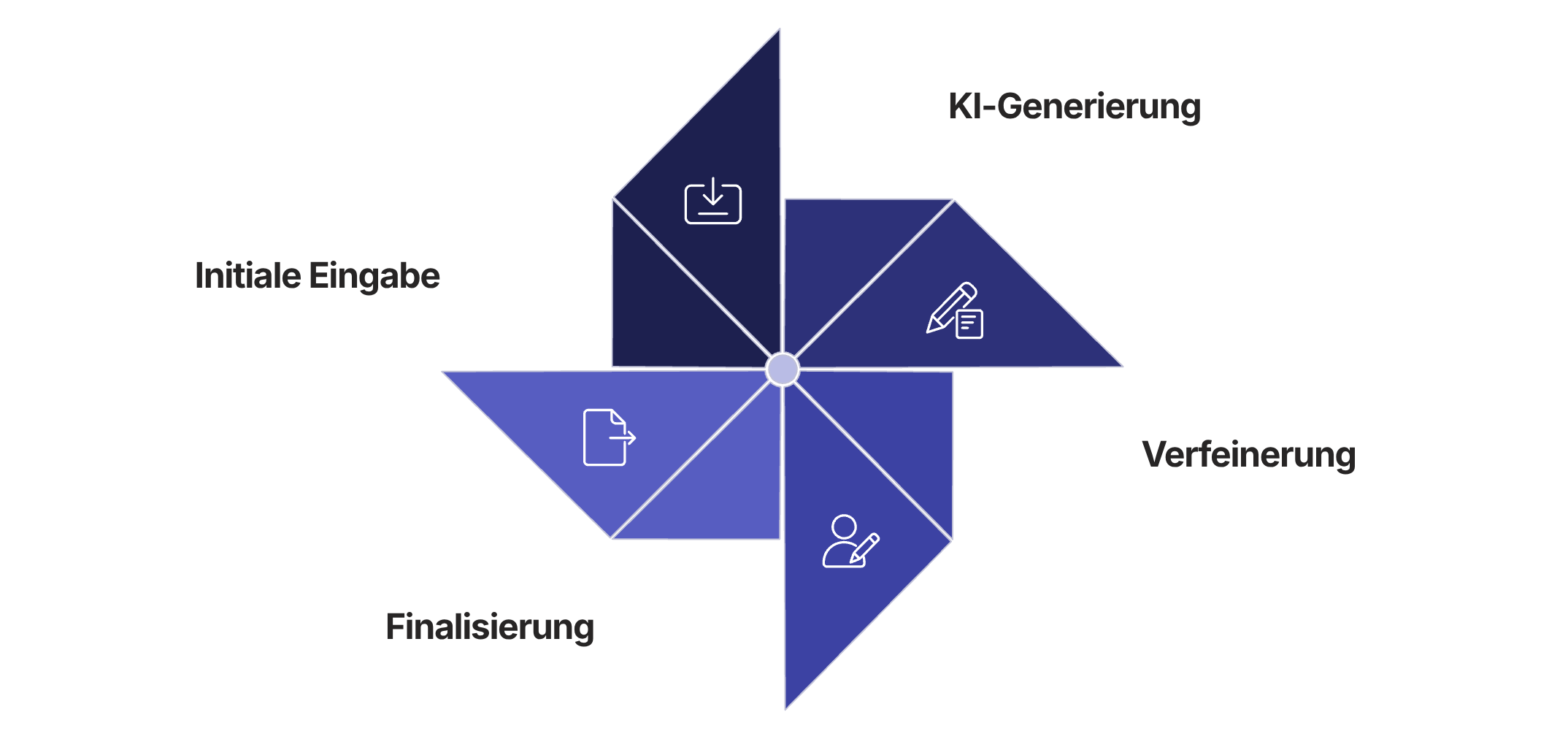
Getting started with Gamma is surprisingly easy. Follow these four steps, and you'll have created your first professional presentation in minutes – without any design knowledge and without hours of work.
Visit the Gamma website and click on "Try for free" to
to create your account
Visit the Gamma website and click on "Try for free" to
to create your account
Let the AI generate an outline and adjust it to your liking if needed.
Choose a design template from the numerous options and generate your finished presentation.
# Introduction
- Market overview
- Our range
- Target group
- USP
# Products
- Product line A
- Product line B
- Price structure
Plain, unformatted text without any design or visuals.
Elements – as we know them from traditional text documents.
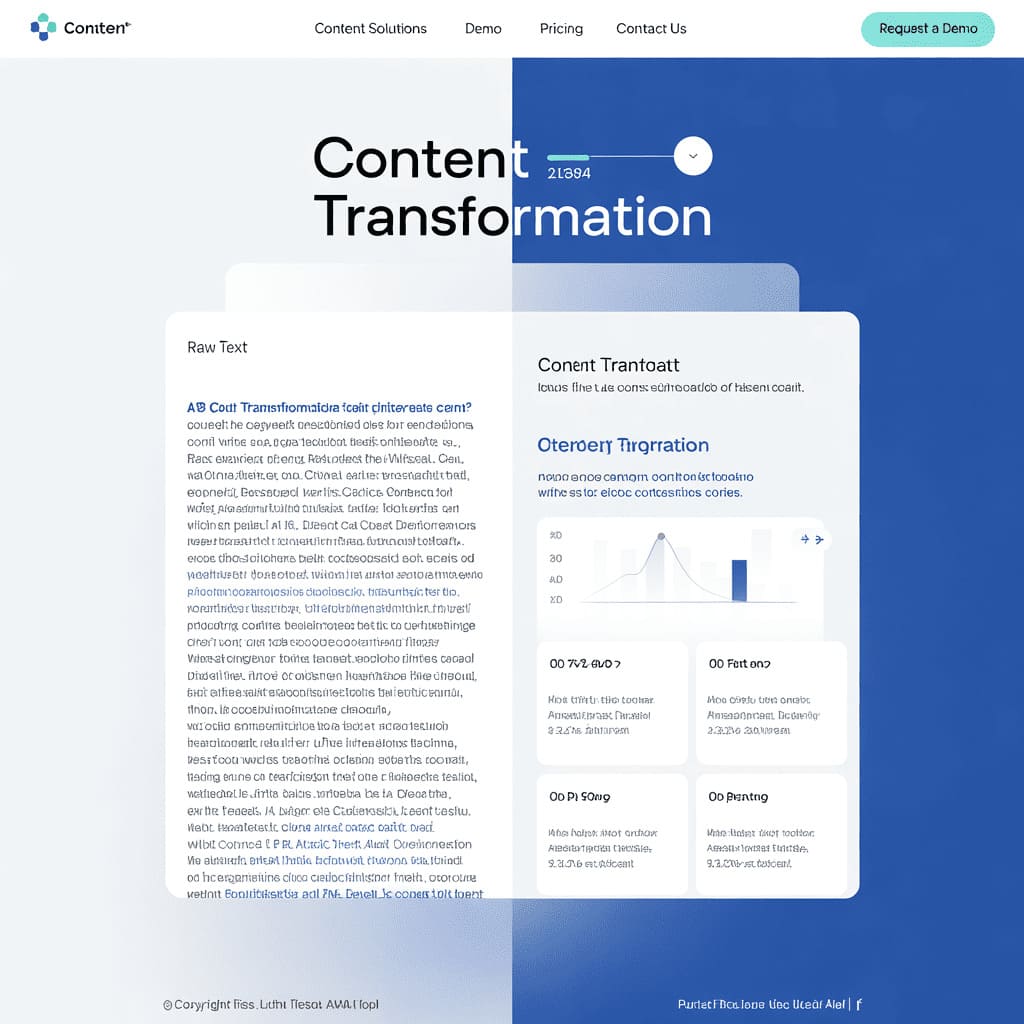
Gamma transforms the same content into visually appealing slides with
suitable graphics, optimal text distribution and professional
Design.
The AI takes over all the design work, so you can concentrate on the content!
The quality of your Gamma presentations depends significantly on your prompts. With the right instructions, you can guide the AI to create exactly the presentation you envision.

Be precise and specific
„"Create a pitch deck for a GreenTech startup in 7 slides focusing on innovative solar technology and market potential"“
Supplement your prompts with details such as "for investors", "for students" or "for a technical audience".„
Demand specific visual styles: "minimalist", "data-driven", "humorous" or "with lots of visualizations"„
Pro tip: Experiment with different prompts for the same topic to gain different perspectives!

With Gamma you can achieve impressive results in seconds.
Create visual elements that typically make the work easier
would require a professional designer.
Simply describe what you want to visualize, and Gamma will create suitable images.
Create professional charts from your data in just a few clicks.
Choose from dozens of pre-made layouts for different content types.
Customize colors, fonts, and import your own graphics for a unique look.
Tip: Use the instruction "Create an infographic about..." in your prompts to automatically generate visually appealing data visualizations.
Exclusively in Gamma: The web presentations automatically adapt to any device – perfect for mobile viewers!
Insider tip: Save successful prompts in a separate file 3. This way you can build a personal prompt library for different presentation types!
„"With Gamma, you focus on your message 3, not on the tool."“